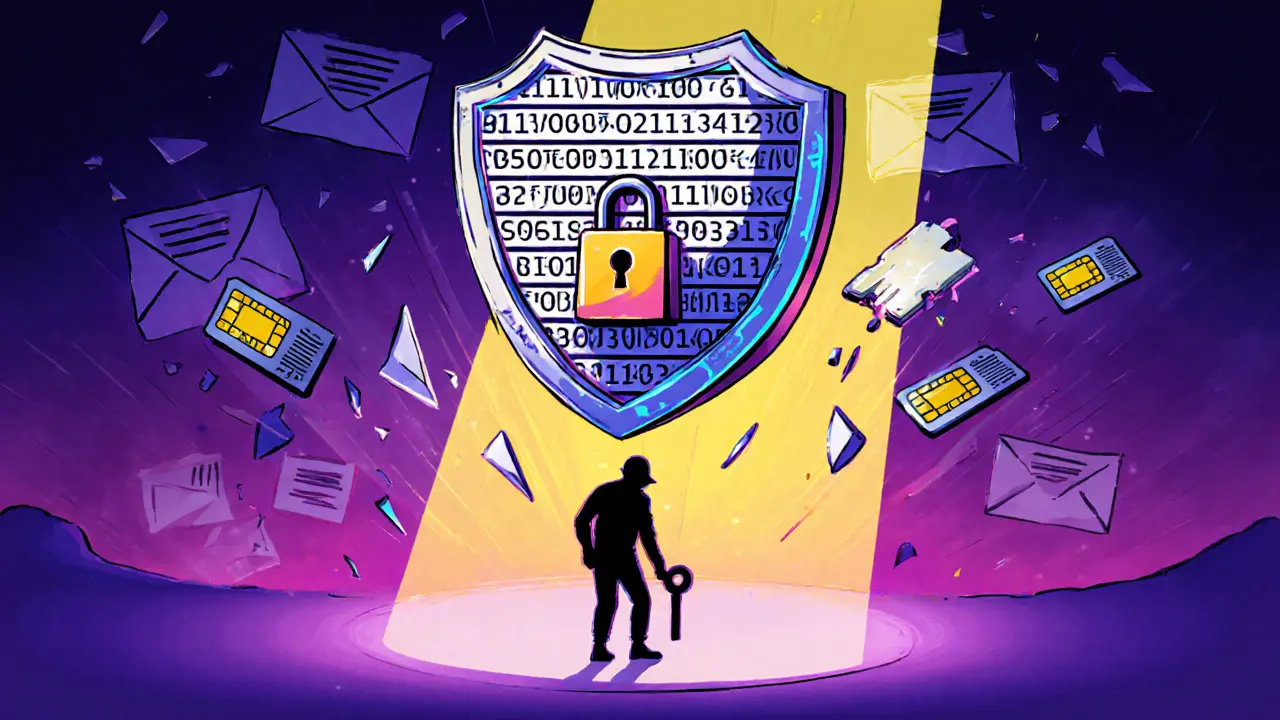
Google Authenticator: Secure Your Crypto with Two-Factor Authentication
When you log into a crypto exchange or wallet, Google Authenticator, a free app that generates time-based one-time passwords for two-factor authentication. Also known as 2FA, it’s one of the few tools that actually stops hackers from stealing your crypto—even if they have your password. Unlike SMS codes, which can be hijacked, Google Authenticator works offline and doesn’t rely on your phone number. That’s why nearly every major exchange, from Bitfinex to Kraken, still recommends it—even as newer tools pop up.
It’s not magic. It’s math. Every 30 seconds, the app generates a new six-digit code based on a secret key you set up when linking your account. That key is stored only on your device. No cloud. No backup. If you lose your phone and didn’t save the recovery codes? You’re locked out. That’s the trade-off. But it’s the same trade-off that keeps your Bitcoin safe from remote attacks. Real security isn’t convenient. It’s deliberate.
Most crypto scams today start with phishing. A fake login page. A fake support chat. A fake airdrop. But if you have Google Authenticator turned on, even the best phishing site won’t get past the second step. You’ll see the code change every 30 seconds. You’ll know something’s off. That’s why posts on this site keep coming back to it—whether it’s warning about fake exchanges like LongBit, explaining how Upbit got fined for weak KYC, or detailing why TradeOgre got shut down. No 2FA? No mercy from regulators. No 2FA? No defense against bots.
But here’s the thing: Google Authenticator isn’t perfect. It doesn’t sync across devices. It doesn’t auto-backup. And if you’re using it on a rooted phone or a shared device, you’re already compromised. That’s why some users now switch to hardware keys like YubiKey or apps like Authy (with cloud backup turned off). But for most people, Google Authenticator is still the baseline. It’s free. It’s simple. It’s proven.
Every post here that mentions wallet security, exchange risks, or airdrop scams ties back to one truth: if you don’t lock your account with 2FA, you’re gambling with your crypto. Not because the tech is flawed—but because you skipped the step that stops 90% of attacks. The next time you set up a new wallet or link an exchange, don’t just click ‘next.’ Open Google Authenticator. Scan the QR code. Save the recovery codes in a safe place—paper, not cloud. Do it now. Because the next scam won’t wait for you to get around to it.