You probably think your cryptocurrency wallet is like a digital piggy bank holding your Bitcoin or Ethereum. But here’s the twist: it doesn’t actually hold any coins. Your crypto lives on the blockchain forever. The wallet just holds the keys that let you access and move those coins. If you lose the keys, you lose the money. Simple as that.
This distinction trips up almost everyone starting out. You don't store "money" in the app; you store cryptographic signatures. Understanding this changes how you view security. It shifts the focus from "where is my money?" to "who controls my keys?" That question determines whether you use a custodial exchange account or a self-custody hardware device. Let’s break down exactly what these tools are, why they matter, and which one fits your needs right now.
The Core Function: Keys, Not Coins
A cryptocurrency wallet is software or hardware that manages two specific types of codes: public keys and private keys. Think of the public key as your email address-it’s safe to share with anyone so they can send you funds. The private key is your password. It proves you own the assets associated with that public address. Without the private key, no one can sign a transaction to move your funds.
Most wallets generate these keys using complex math algorithms based on elliptic curves. When you set up a new wallet, it creates a seed phrase-usually 12 or 24 random words. This phrase is the master backup for your private keys. Write it down on paper. Never screenshot it. Never type it into a website unless you are absolutely sure it’s the official recovery page. If someone steals your seed phrase, they can recreate your entire wallet and drain every asset within seconds.
Because the wallet interacts directly with the blockchain network, it also tracks your balance by scanning the ledger for transactions linked to your public addresses. It doesn't download the whole history of Bitcoin (which is hundreds of gigabytes); instead, it queries nodes or uses lightweight protocols to show you what you have available to spend today.
Custodial vs. Non-Custodial: Who Holds the Power?
The biggest decision you face isn't about colors or interfaces; it's about custody. Custodial wallets are managed by third parties. When you buy Bitcoin on Coinbase or Binance, you’re using their custodial wallet. They hold your private keys. You log in with an email and password, just like checking your bank balance online.
Non-custodial wallets put you in charge. You generate and store your own private keys. No company can freeze your account. No support ticket can reset your password because there is no password-just your keys. This aligns with the core ethos of blockchain: decentralization. The famous adage "not your keys, not your coins" warns against leaving large amounts of crypto on exchanges. Remember the FTX collapse in 2022? Users lost billions because they didn't control their keys. With non-custodial wallets, you are the bank.
| Feature | Custodial Wallet | Non-Custodial Wallet |
|---|---|---|
| Key Control | Third-party provider | User owns keys |
| Recovery | Password reset via email/SMS | Seed phrase only |
| Risk Profile | Hacks, bankruptcy, frozen accounts | User error, lost seed phrase |
| Ease of Use | High (Web2 style) | Moderate to Low (Technical) |
Hot Wallets: Convenience at a Price
Hot wallets are connected to the internet. They include mobile apps, desktop software, and browser extensions. Because they are always online, they are vulnerable to malware, phishing attacks, and remote hacks. However, they offer incredible speed. If you want to swap tokens on Uniswap or pay for coffee with crypto, a hot wallet is essential.
MetaMask is the most popular example. It’s a browser extension that lets you interact with decentralized applications (dApps) on Ethereum and other chains like Polygon and Avalanche. It’s free, open-source, and integrates seamlessly with NFT marketplaces like OpenSea. But remember: if your computer gets infected with a keylogger, your funds could disappear while you sleep.
Mobile wallets like Trust Wallet or Coinbase Wallet bring this functionality to your phone. They often use biometric authentication (FaceID or fingerprint) to add a layer of security. While convenient for daily spending, financial experts generally recommend keeping only small, disposable amounts in hot wallets. Treat them like your physical cash in a billfold, not your life savings in a vault.
Cold Wallets: Maximum Security
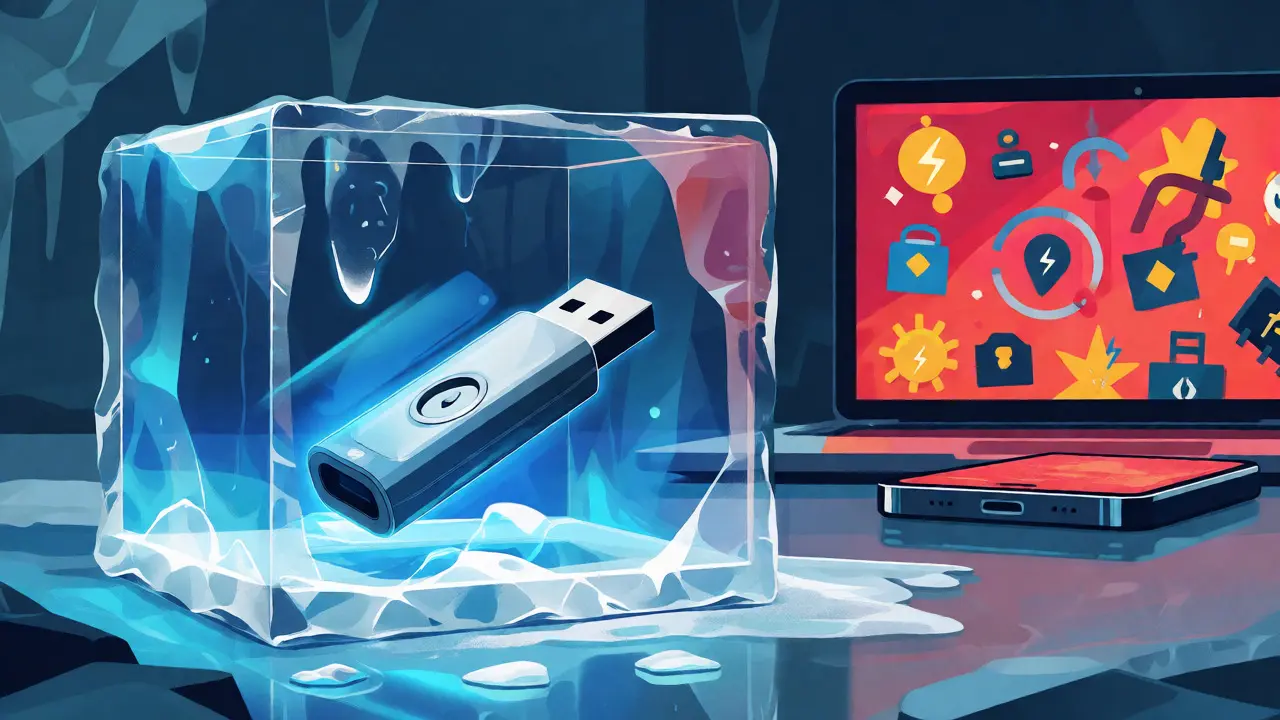
Cold wallets keep your private keys offline. This isolation protects you from online threats. If a hacker scans the internet for vulnerabilities, they won’t find your hardware wallet because it isn’t broadcasting its keys to the web.
Hardware wallets like Ledger, Trezor, and Tangem are physical devices resembling USB drives. To send crypto, you plug the device into your computer, enter a PIN, and physically confirm the transaction on the device’s screen. Even if your computer is compromised by virus, the private key never leaves the secure chip inside the hardware wallet.
Paper wallets are another form of cold storage. These are simply pieces of paper with your public and private keys printed on them, often as QR codes. They are cheap and immune to digital hacking. However, they are fragile. Fire, water, or fading ink can destroy them. Plus, sending funds from a paper wallet requires importing the key into a temporary software wallet, which exposes it to the internet briefly. Most users prefer hardware wallets for their durability and ease of use.

Choosing the Right Tool for Your Needs
Your choice depends on how much you hold and how active you are. There is no single "best" wallet; there is only the right tool for the job.
- Daily Traders: Use a reputable hot wallet like MetaMask or Rabby. Speed matters more than absolute security when you are making ten trades a day.
- Long-Term Holders: Move significant holdings to a hardware wallet. If you plan to HODL for years, the $50-$150 cost of a Ledger Nano X pays for itself in peace of mind.
- Beginners: Start with a custodial exchange wallet. Learn the ropes of buying and selling before managing your own keys. Once you feel comfortable, withdraw small amounts to a non-custodial mobile wallet to practice.
- NFT Collectors: A multi-chain hot wallet is usually best for minting and trading NFTs, but consider moving rare, high-value items to cold storage after purchase.
One critical rule: never buy a used hardware wallet. You cannot trust the previous owner didn't install custom firmware or replace the internal components. Always buy directly from the manufacturer or an authorized reseller. Counterfeit devices exist and can steal your funds during setup.
Common Pitfalls and How to Avoid Them
Even experienced users make mistakes. The most common error is losing the seed phrase. If your phone breaks or you uninstall the app without backing up the 12-word phrase, your crypto is gone forever. There is no "forgot password" link in DeFi.
Another trap is phishing. Scammers create fake websites that look identical to real dApps. When you connect your wallet, a malicious contract might ask for permission to spend all your USDC. Always verify the URL. Read the transaction details carefully before signing. If a site asks for your seed phrase to "verify" your identity, it’s a scam. Legitimate sites never ask for your private keys or seed phrase.
Finally, be wary of "airdrop" scams. Random tokens appearing in your wallet might seem like free money. Don't interact with them. Some are designed to trick you into approving a transaction that drains your main assets. Ignore unknown tokens unless you specifically sought them out.
Do cryptocurrency wallets store actual coins?
No, cryptocurrency wallets do not store coins. They store the private and public keys required to access and manage your digital assets on the blockchain. The coins themselves exist on the distributed ledger network.
What happens if I lose my seed phrase?
If you lose your seed phrase and your device is damaged or lost, you permanently lose access to your funds. In non-custodial wallets, there is no central authority to reset your password or recover your keys.
Is a hardware wallet safer than a mobile wallet?
Yes, hardware wallets are generally safer for long-term storage because they keep private keys offline, protecting them from online malware and hacking attempts. Mobile wallets are more convenient but expose keys to potential internet-based threats.
Can I use one wallet for all cryptocurrencies?
Many modern wallets, such as Trust Wallet or Exodus, support multiple blockchains and thousands of tokens. However, some specialized chains may require specific wallets. Hardware wallets like Ledger also support a wide range of assets through companion apps.
Why did FTX users lose their money?
FTX was a centralized exchange where users did not hold their own private keys. When the company collapsed due to mismanagement and fraud, users lost access to their funds because they relied on a third party rather than self-custody solutions.
Write a comment